
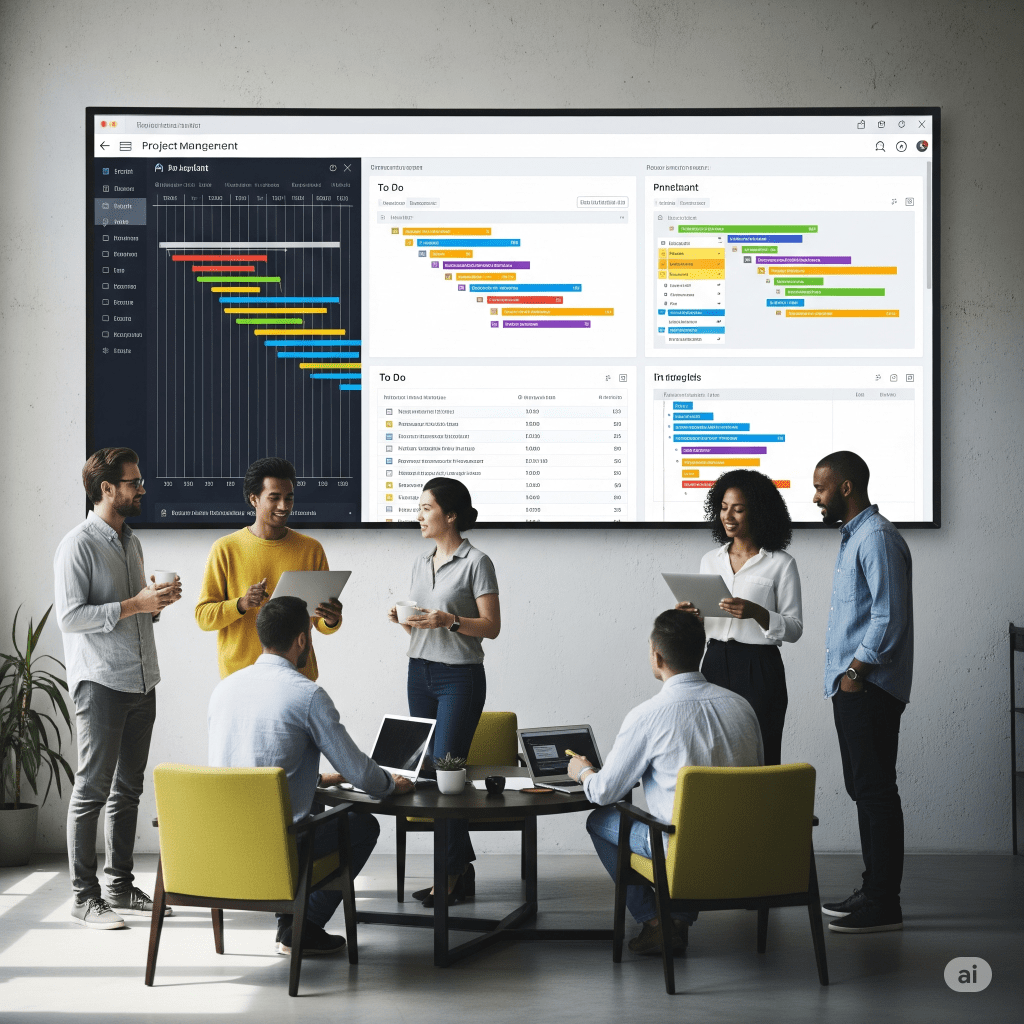
In today’s fast-paced business world, project management tools have become essential for keeping projects on track, improving collaboration, and ensuring deadlines are met. Whether you’re managing a small marketing campaign or a multi-million-dollar infrastructure build, the right tools can make the difference between success and chaos.
With over two decades of experience as a PMP-certified project manager, I’ve used everything from simple templates to complex enterprise-level platforms. This guide breaks down the best project management tools into three categories — simple, intermediate, and advanced — with examples of each, how they’re used, and when they’re worth the investment.
Simple Project Management Tools
Not every project needs a full-blown software suite. Sometimes, the simplest solutions are the most effective. Simple project management tools are perfect for individuals or small teams that want quick wins without complex setup.
1. Project Management Templates

Templates provide a ready-made framework for your work. They can include:
- Project charters to define scope and objectives
- Risk management plans to identify potential issues early
- Status report templates to keep stakeholders informed
How to use: Download a free project management template from sources like PMI or Smartsheet, customize it with your project’s details, and maintain consistent formatting across updates.
2. To-Do List Apps

Apps like Microsoft To Do and Todoist are perfect for personal productivity or small task tracking.
- Create and prioritize daily tasks
- Set reminders and recurring deadlines
- Share lists with team members for basic collaboration
How to use: Break larger deliverables into smaller tasks and track completion in real time.
Intermediate Project Management Tools
When your project involves multiple team members, dependencies, or the need for visual workflows, you’ll benefit from intermediate project management tools that balance usability and advanced features.
3. Trello

Trello uses a Kanban-style board to visualize tasks. You create boards (projects), lists (stages), and cards (tasks) that can be moved as work progresses.
Best for: Marketing teams, product launches, event planning.
Pro tip: Integrate Trello with Slack or Google Drive to centralize communication and file sharing.
4. Asana
Keywords: Asana project management, Asana vs Trello

Asana is a task and project management platform with more structured workflows than Trello.
- Task assignments and dependencies
- Calendar and timeline views
- Milestone tracking
Best for: Teams juggling multiple projects who need clear accountability and deadlines.
Advanced Project Management Software
Large-scale or highly technical projects often require advanced project management software capable of handling complex scheduling, resource allocation, and reporting.
5. Microsoft Project

Microsoft Project offers powerful Gantt charts, resource leveling, and portfolio management tools.
Best for: Construction, engineering, and enterprise-scale initiatives where detailed scheduling and resource tracking are critical.
How to use: Build your work breakdown structure (WBS), assign resources, and monitor progress against baselines.
6. JIRA

JIRA is designed for software development teams but works well in any Agile or Scrum environment.
- Sprint planning and backlog management
- Customizable workflows
- Real-time reporting
Best for: Development teams needing advanced bug tracking, release planning, and Agile metrics.
How to Choose the Right Project Management Tool
- Team size: Small teams may be fine with Trello or Asana, while large enterprises often require Microsoft Project.
- Methodology: Agile teams may prefer JIRA; waterfall projects benefit from MS Project’s scheduling power.
- Budget: Many tools offer free versions or trials before committing to a paid plan.
Pro tip: Start simple. Test a free project management tool first, then scale up to more advanced software as your needs grow.
Final Thoughts
From simple project management templates to advanced enterprise software, the right tool can transform how you plan, execute, and deliver projects:
- Simple tools like templates and to-do lists keep individuals organized.
- Intermediate tools like Trello and Asana foster team collaboration.
- Advanced tools like Microsoft Project and JIRA enable complex, high-stake projects to succeed.
By understanding your project’s complexity, team structure, and goals, you can confidently choose a tool that boosts efficiency and drives success.
“At CA Project Intelligence, our mission is to empower organizations to deliver projects smarter, faster, and with greater impact by merging proven project management expertise with the transformative power of artificial intelligence. We provide tailored solutions — from strategic planning to hands-on execution — that enhance productivity, optimize resources, and drive measurable results for every client.”
 CA Project Intelligence
Leave a comment